

Custom Device Image Update Instructions with Developer Studio
- May 30, 2017
- Author: Sierra Wireless
- Version: 1
Procedure to load in the product your custom Device Image with Developer Studio
Check out our new IDE: Legato Plug-in for Visual Studio Code

This page describes the procedure to load in the product your custom Device Image with Developer Studio.
1. Open the Device Perspective:
Click on 
2. Connect the mangOH USB cable to your host
3. Click on 
4. Click on 
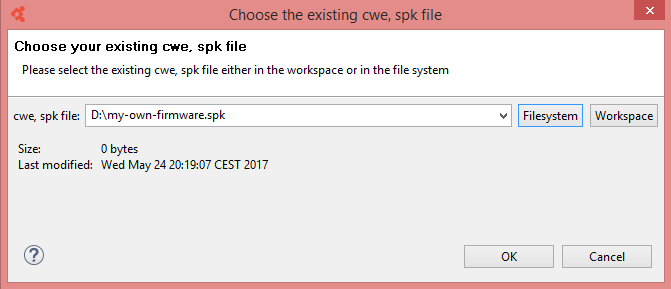
5. Browse and Select your custom Device Image then click OK to start the download
Tags
Related items
- Developer Studio
Integrated Development Environment (IDE) for Legato