

Add your Apps in Base Legato System with Developer Studio
- May 30, 2017
- Author: Sierra Wireless
- Version: 1
Procedure to add your apps in the Base Legato System with Developer Studio
Check out our new IDE: Legato Plug-in for Visual Studio Code

Sierra Wireless is delivering default Base Legato System including Legato Application Framework and several native apps (such as modemService app, positioningService app...). You could customize this Base Legato System by adding your own apps inside
- either to create a factory image to be loaded into your units during your manufacturing process
- or to create a nested image for resetting OTA your units with one configuration {Application Framework + apps}
This page describes the procedure to add your own apps inside a default Base Legato System using Developer Studio.
1. Open the Projects Perspective:
Click on 
2. Click on 
3. Fulfill the name of the Legato System to be created, then click "Next"
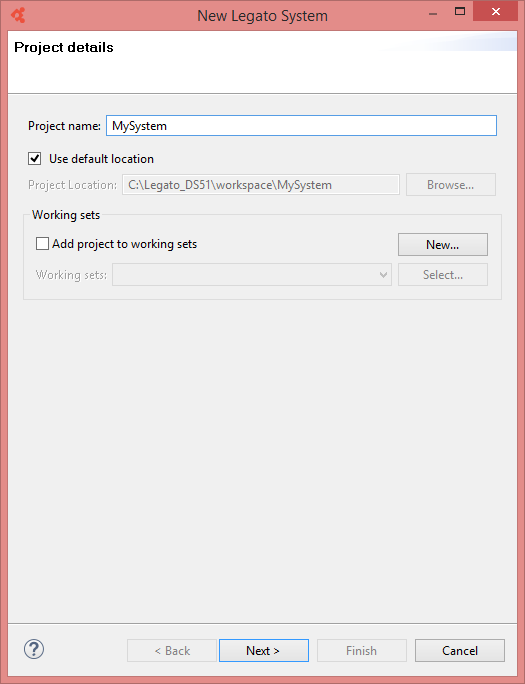
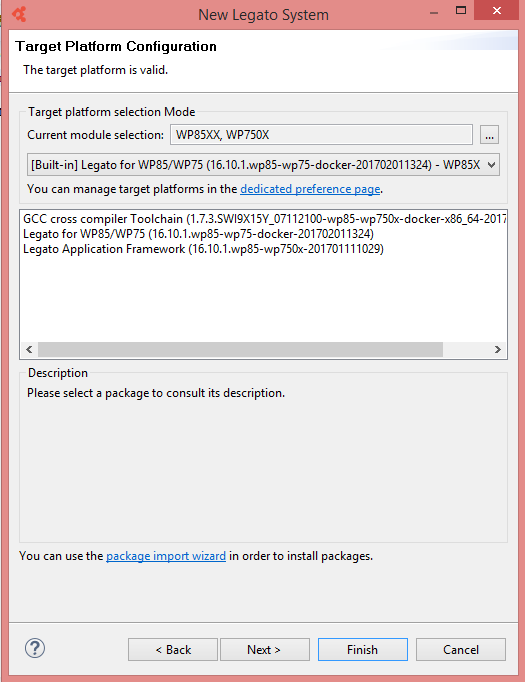
4. Select the Target Platform and version, then click "Next"
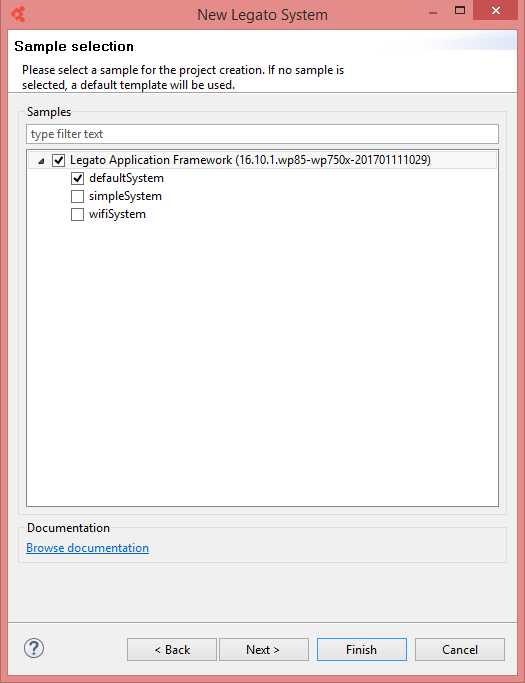
5. Select the Legato System sample that will be used as starting point for you, then click "Next"
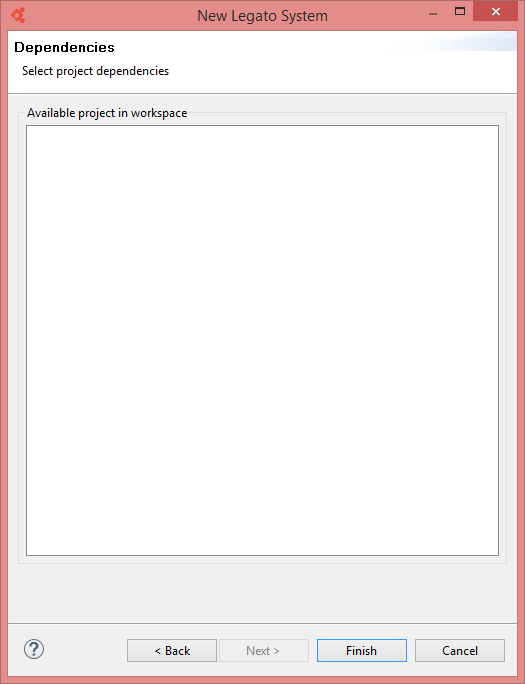
6. Select project dependencies (if any), then click "Finish" to terminate the Legato System project creation
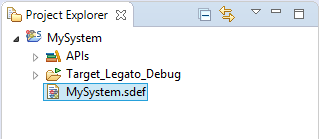
7. In the Project Explorer windows, Click on the .SDEF file to edit the system definition file
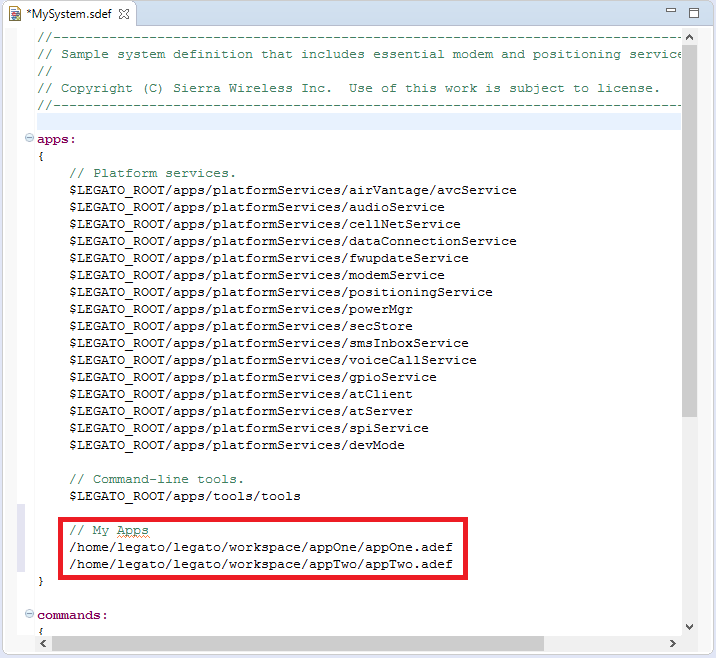
8. Add your apps in the list of apps constituting the Legato System as follow, then save the .SDEF file
9. Click on 
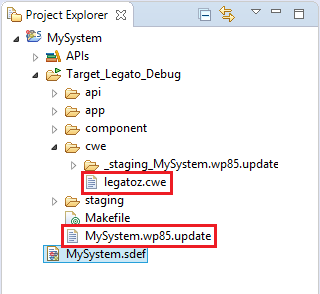
10. In the "Target_Legato_Debug" directory, you obtain:
- The Base Legato System file legatoz.cwe
- And the associated Overlay Legato System <project_name>.<module>.update
Tags
Related items
- Developer Studio
Integrated Development Environment (IDE) for Legato